
Andromon Download

Andromon Companion

The phone‑care app that links Android to your computer

Andromon Companion is the small app on the phone that lets Andromon on your computer reach your messages, contacts, calls, photos and music. On its own it cleans up, checks the battery and shows where your storage and screen time go.

  • Free, no ads
  • No account
  • Android 8.0 and later
  • Works without a computer too
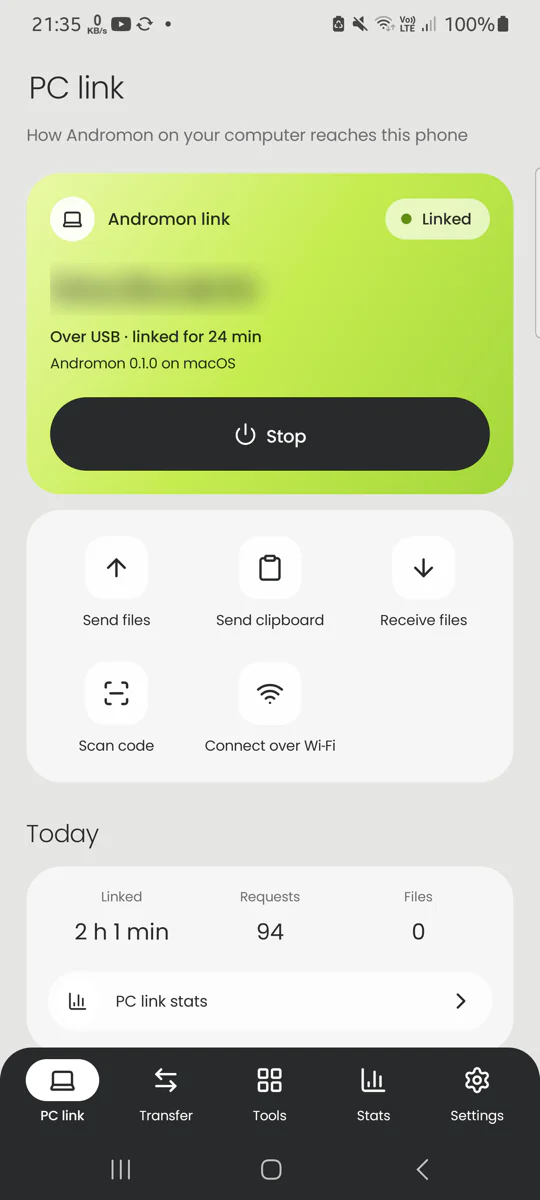
The companion app's PC link screen, linked to a computer over USB
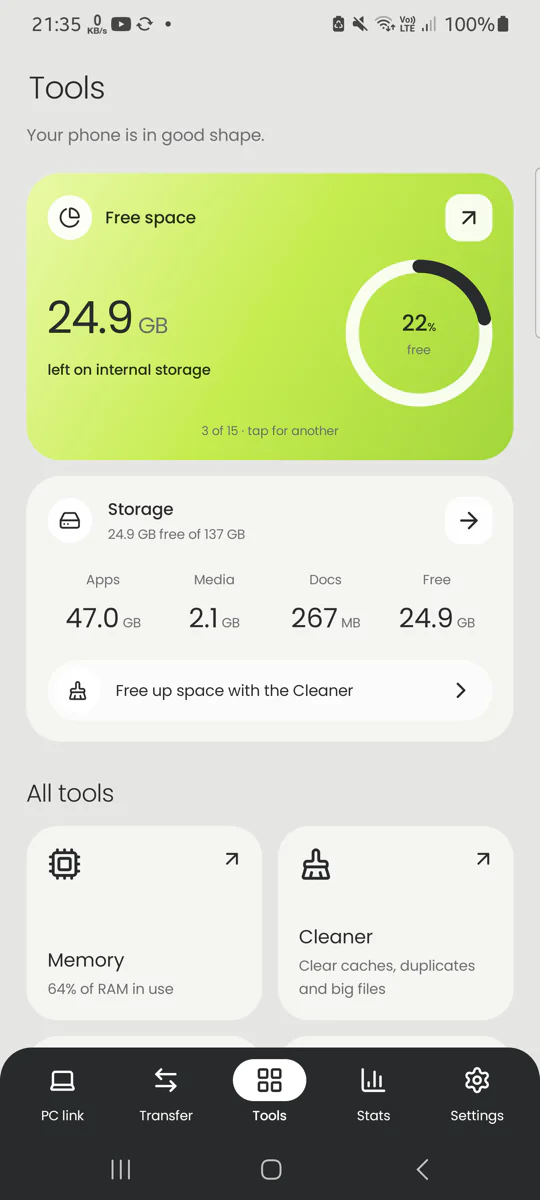
The companion app's Tools screen with free space, storage and every tool
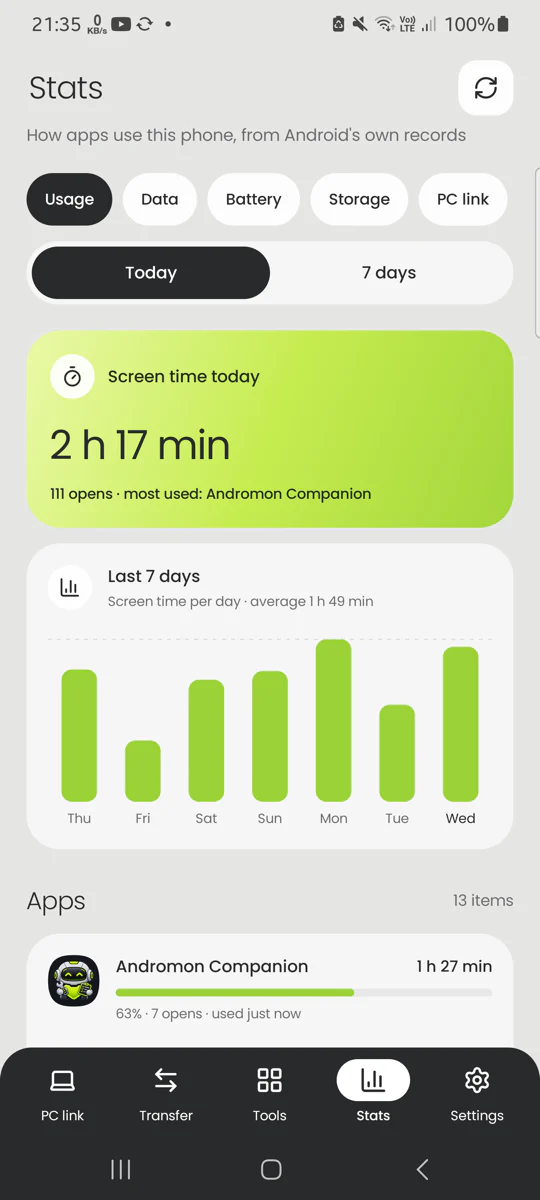
The companion app's Stats screen with today's screen time and the last seven days

Cleaner

Free up space with a junk cleaner

The Cleaner finds caches, thumbnail copies, installers you no longer need, empty folders, leftovers of removed apps, duplicates and big files. Everything is grouped and explained, and nothing goes until you tick it.

  • Cleaning rules from SD Maid SE, the open-source cleaner
  • Duplicate finder for photos, videos and documents
  • Storage analyzer: folder sizes, the biggest first
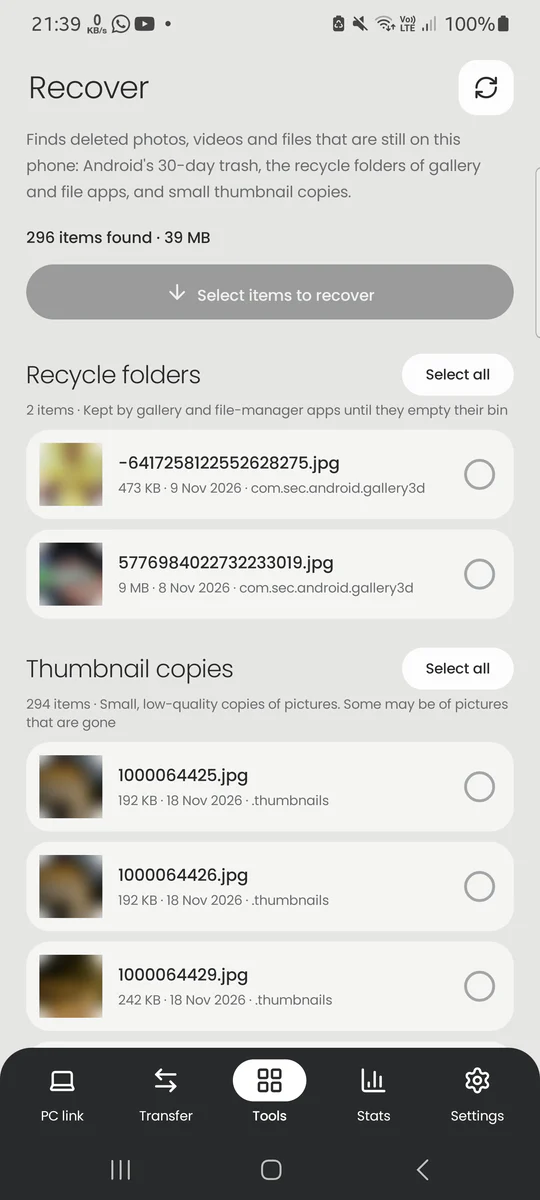
  • Recover deleted photos still in trash and recycle folders
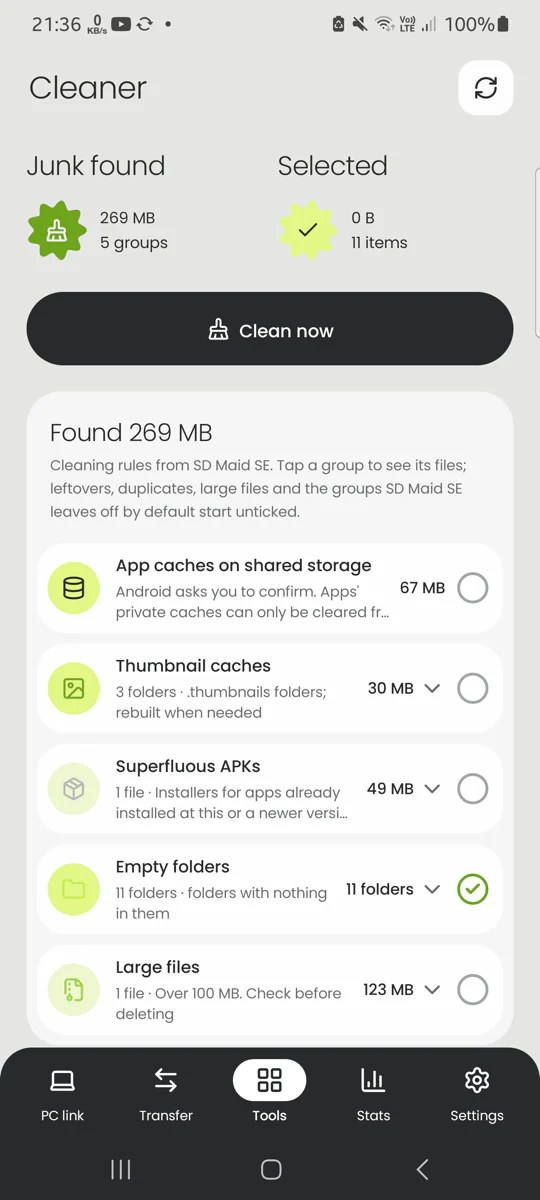
The Cleaner screen showing 269 MB of junk found in groups such as app caches, thumbnails and large files

Battery

Check battery health and stop battery drain

See the battery's condition, temperature, voltage, capacity and charge cycles, with a history of the last day and week. The Freezer and Battery saver keep apps you don't use from running in the background.

  • Capacity left compared with new, where the phone reports it
  • Freeze apps by hand, when the screen turns off, or on a schedule
  • Deep sleep now: Android's Doze at once
  • Per-app battery use since the last charge
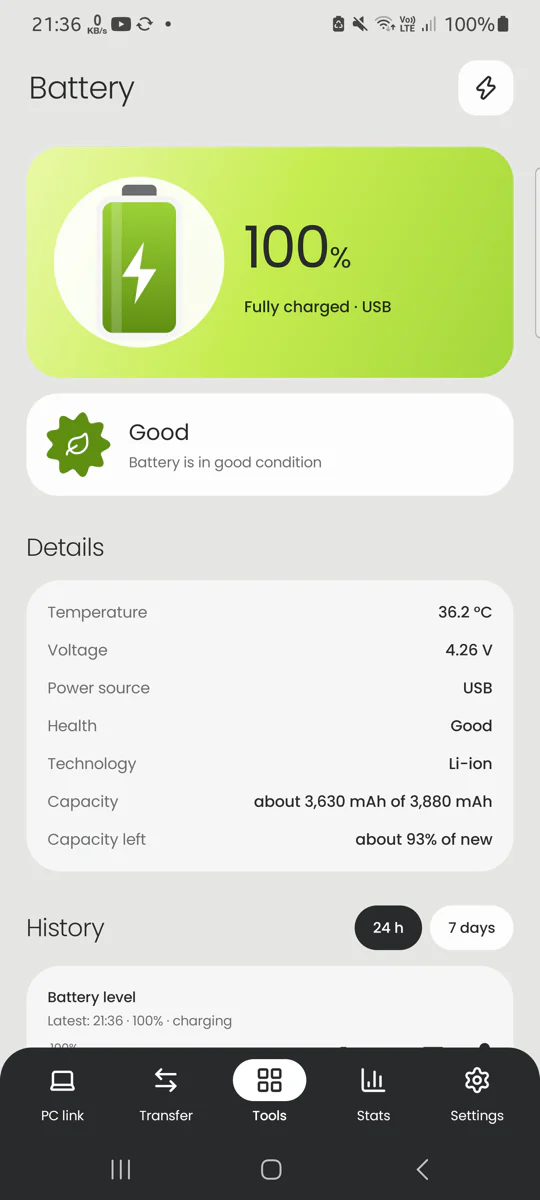
The Battery screen showing a full battery, its condition, temperature, voltage and capacity

Transfer

Send files between Android and PC over Wi‑Fi

Send photos and files to Andromon on a computer on the same Wi‑Fi, or receive them on the phone, without a cable. Use Share › Andromon from the gallery or any app. Every transfer asks first, and it is encrypted.

  • A direct link for big files, faster than the router
  • Find computers by name, by address or by scanning a code
  • Receiving turns itself off after 30 minutes without transfers
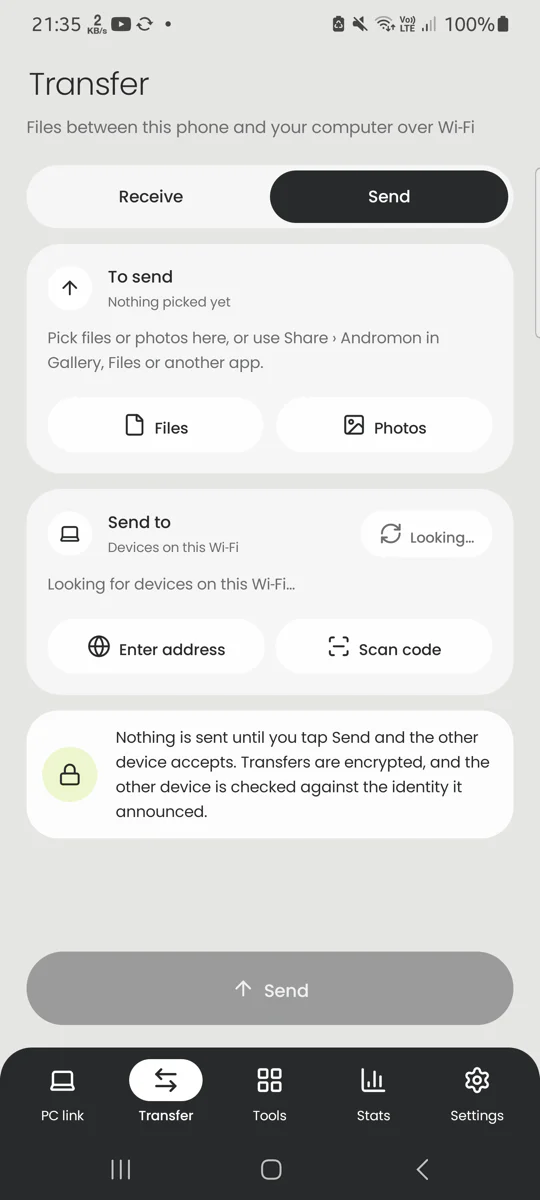
The Transfer screen on its Send side, with files to send and the computers found on the Wi‑Fi

Stats

See screen time and data use per app

How apps use the phone, from Android's own records: screen time and opens, mobile data and Wi‑Fi, battery and storage per app, today or over seven days.

  • Tap an app for its details, permissions and trackers
  • What the link to the computer did, kept for 30 days
  • Kept on the phone; nothing is sent anywhere
The Stats screen showing screen time today, a bar chart of the last seven days and the most used apps

Every tool on the phone

Each one opens from the Tools screen, with one green card for what matters most and the details below.

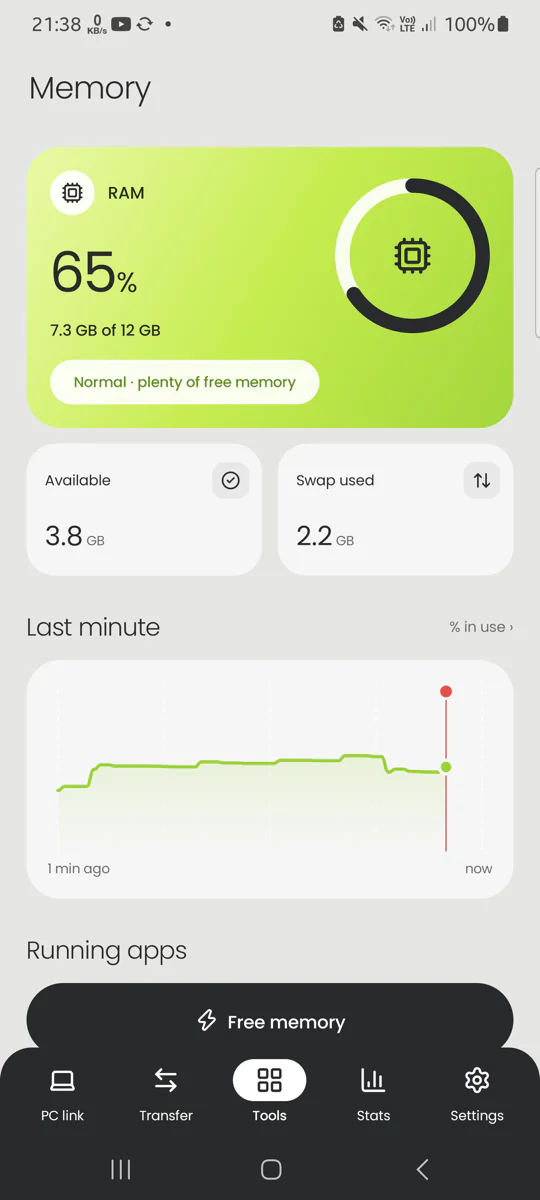
  • Memory

    What is using RAM right now, a live graph of the last minute, and one tap to free memory.

  • Cleaner

    Junk files, leftovers of removed apps, duplicates and large files, grouped and explained.

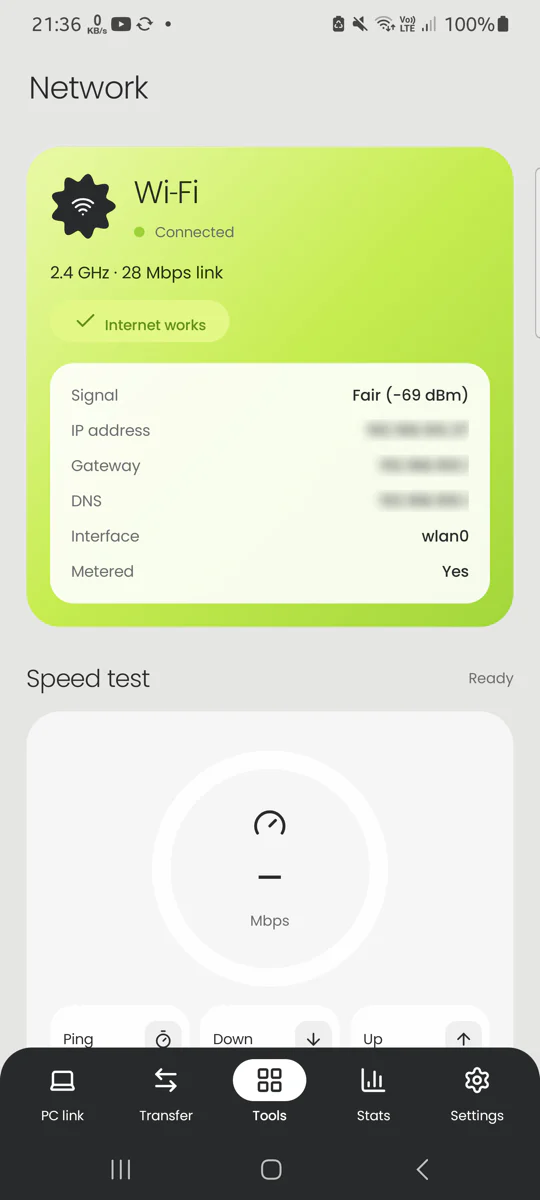
  • Network

    Connection details, a speed test, ping and DNS records.

  • Battery

    Condition, temperature, charge cycles and a seven-day history.

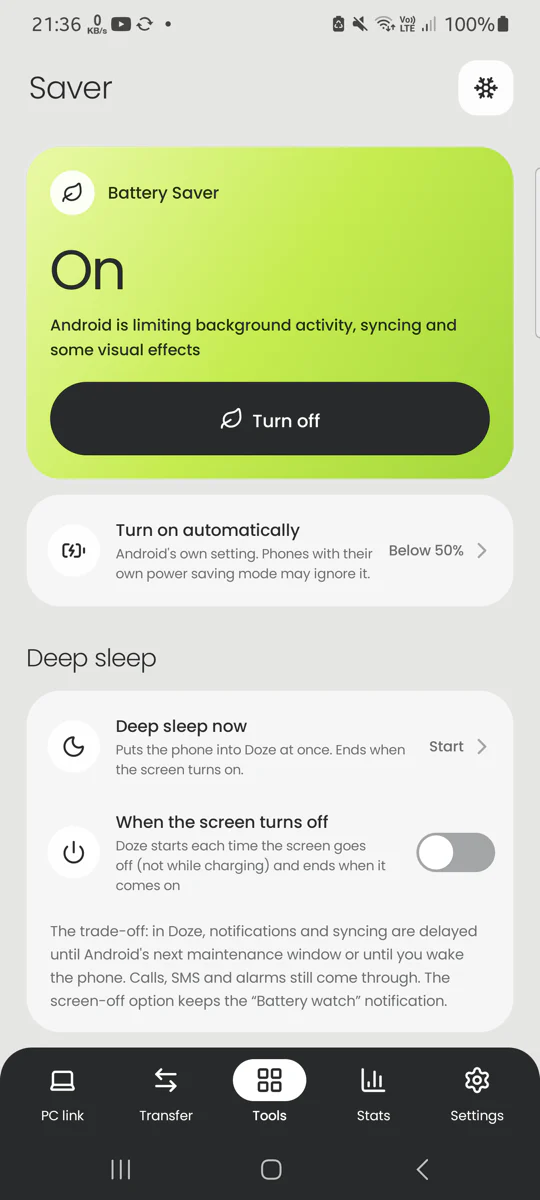
  • Battery saver

    Android's saver, Deep sleep and app limits, with automatic options.

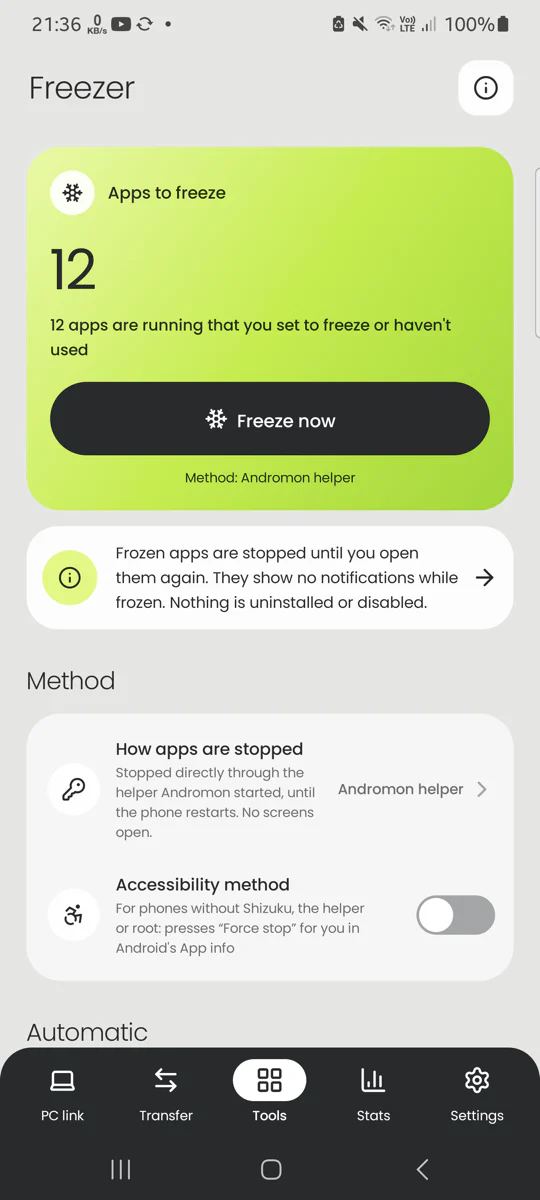
  • Freezer

    Stop apps that keep running in the background when you don't use them.

  • Apps

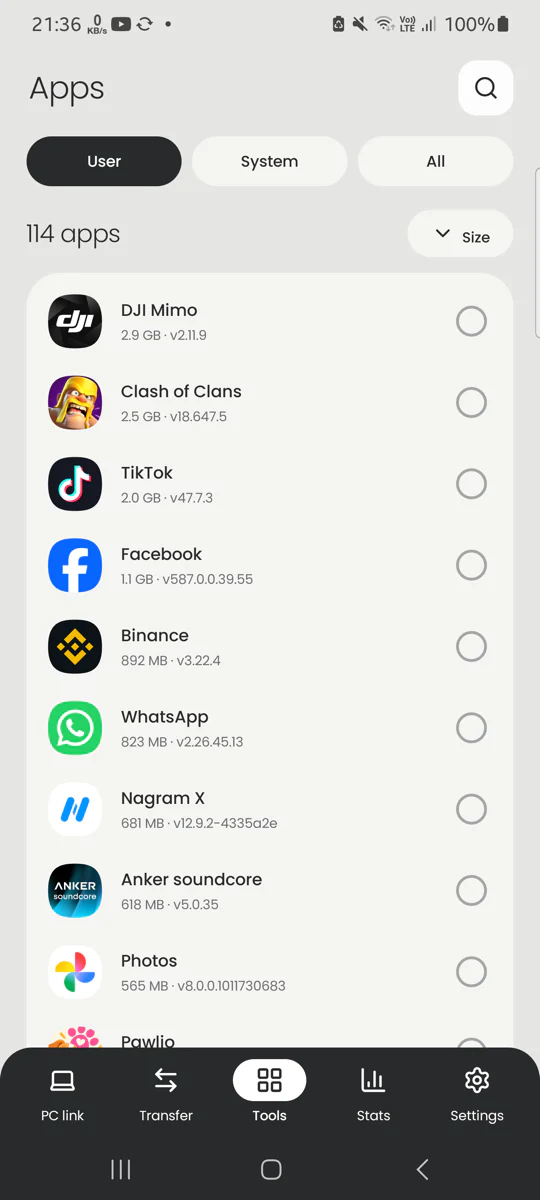
    Every app with its size, version, permissions and trackers.

  • Storage

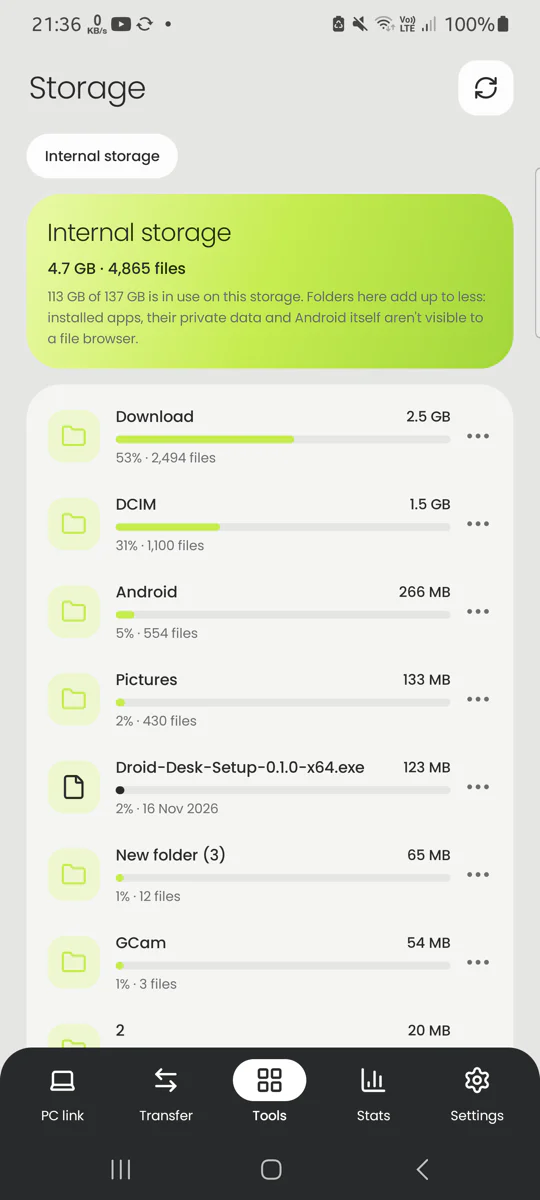
    Folder sizes, largest first, so you see where the space went.

  • Permissions

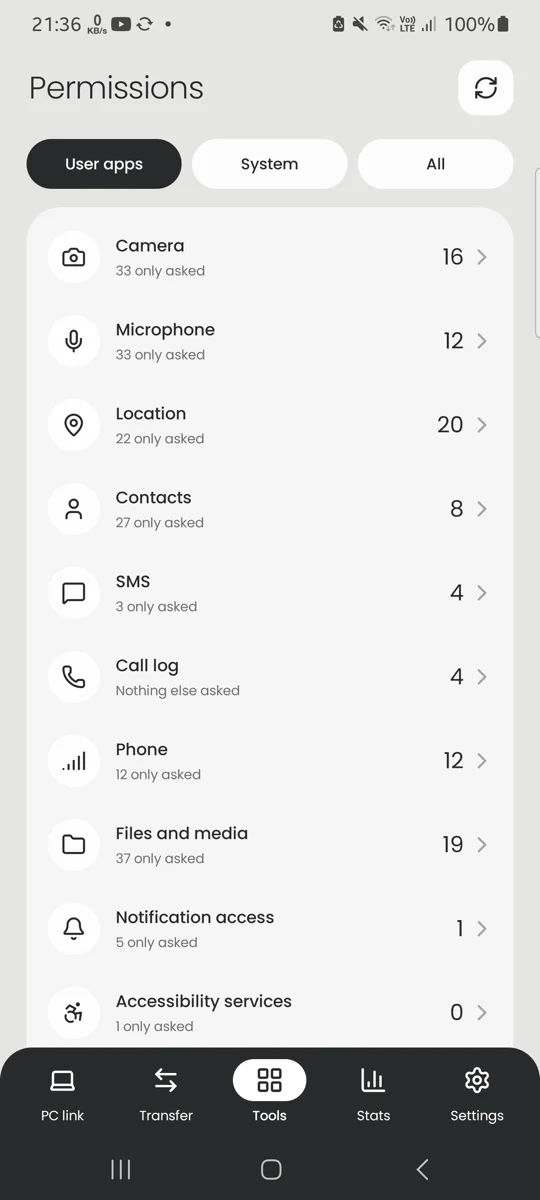
    Which apps can use the camera, microphone, location, contacts and more.

  • Hardware test

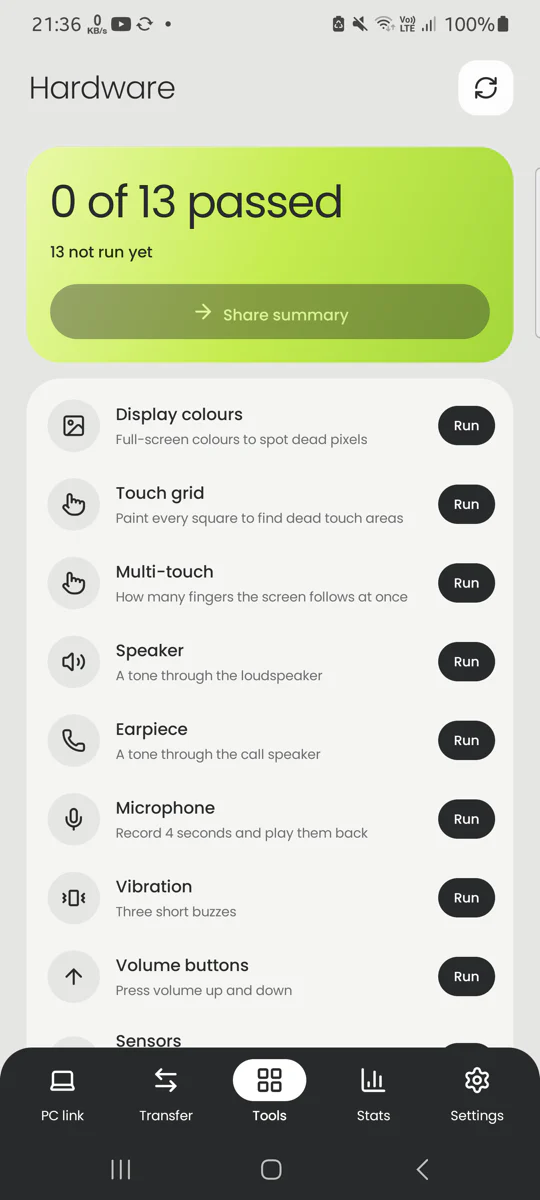
    13 guided checks for screen, touch, speaker, microphone, sensors and buttons.

  • Recover

    Find deleted photos and files still in trash, recycle folders and thumbnails.

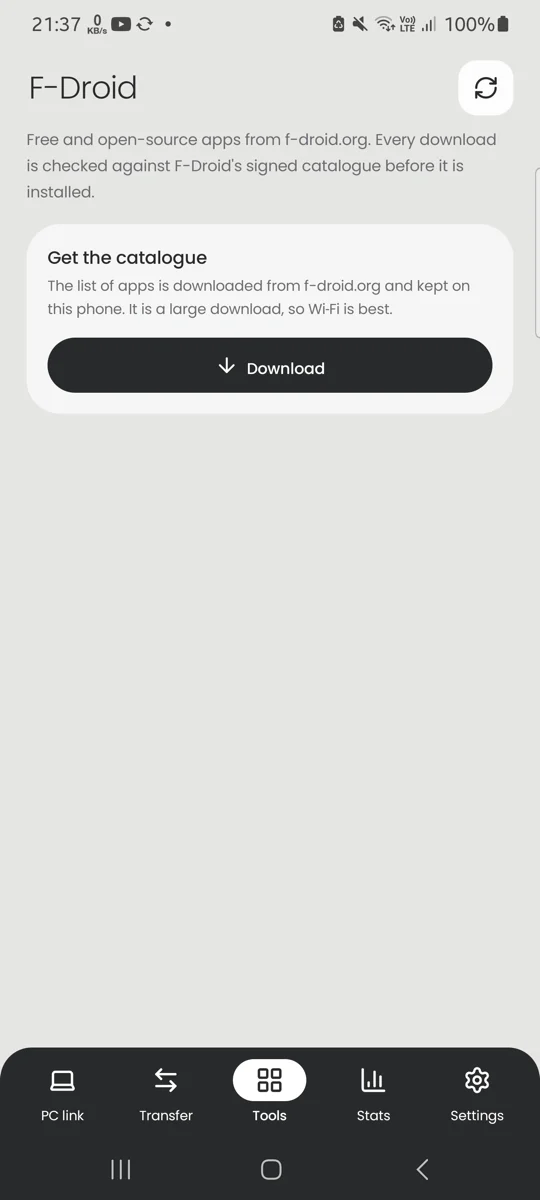
  • F-Droid

    Browse, install and update open-source apps, checked against F-Droid's signed catalogue.

Privacy

Private by design

The companion reads your messages and contacts only to hand them to Andromon on your own computer. It has no servers to send them to.

  • Only your computer can ask

    Requests have to come through adb, the debugging link you allowed. Other apps and other devices on the network can't talk to it.

  • No accounts, ads or analytics

    There is nothing to sign up for, and nothing is collected.

  • Quiet on the network

    It goes online only for the Network tests, and for Wi‑Fi transfer while you have it on.

  • Blur personal data

    One switch blurs names, numbers, addresses and messages in the app, so screenshots are safe to share.

  • You stay in charge

    A notification shows while the link is on. Stop it there or on the PC link screen; it also stops after 15 idle minutes.

  • Free software

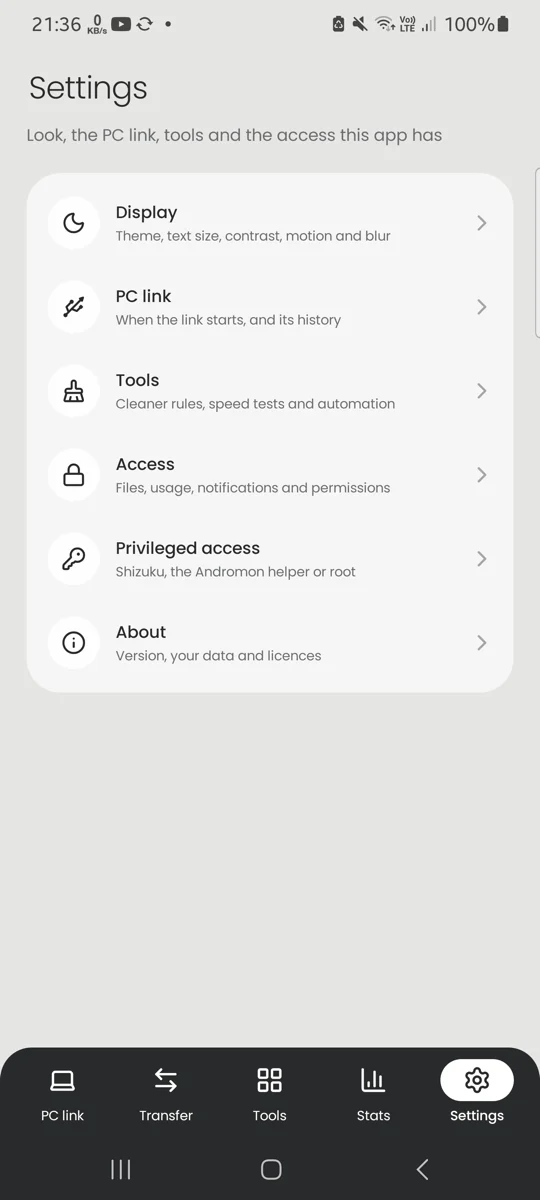
    GPL-3.0, with the source code on GitHub and the licences of everything it uses under Settings › About.

Set up in a few minutes

How to get the companion app

  1. Install Andromon on your computer

    Download it for Windows, macOS or Linux and open it.

  2. Connect the phone

    Turn on USB debugging, plug the phone in and tap Allow. Andromon connects by itself after the first time.

  3. Click Install companion

    Open Messages, Contacts, Call log, Photos or Music in Andromon. It offers Install companion and sets up the permissions for you.

Installing it from Andromon matters: Android refuses the SMS and call-log permissions to apps installed by tapping an APK file.

Questions about the phone app

Every screen and option is explained, with screenshots, in the phone app guide.

Is the companion app free?

Yes. It is free software (GPL-3.0) with no ads, no in-app purchases and no account.

Do I need a computer to use it?

Only to install it and for the features that show your phone on the computer. The phone-care tools (Cleaner, Battery, Freezer, Memory, Storage, Network, Stats and the rest) work on the phone by themselves.

Which phones does it work on?

Android 8.0 and later, on phones and tablets. Connecting over Wi‑Fi needs Android 11 or later.

Does it need root?

No. A few extra abilities, such as silent freezing, listing running apps and per-app battery use, can borrow more rights from Shizuku, from the Andromon helper started over USB, or from root if the phone is rooted.

Is it on Google Play?

No. Andromon installs it over the USB cable, which is also what lets Android grant it the message and call-log permissions. The source code is on GitHub.

Can other apps read my data through it?

No. It only answers requests that come through adb from a computer you allowed, and it never sends your data anywhere else.

Get Andromon for your computer

The companion comes with it. Free for Windows, macOS and Linux.